
PRODUCT OPTIONS
How to add color and size choices to a Shopify product
By umisdev · Updated
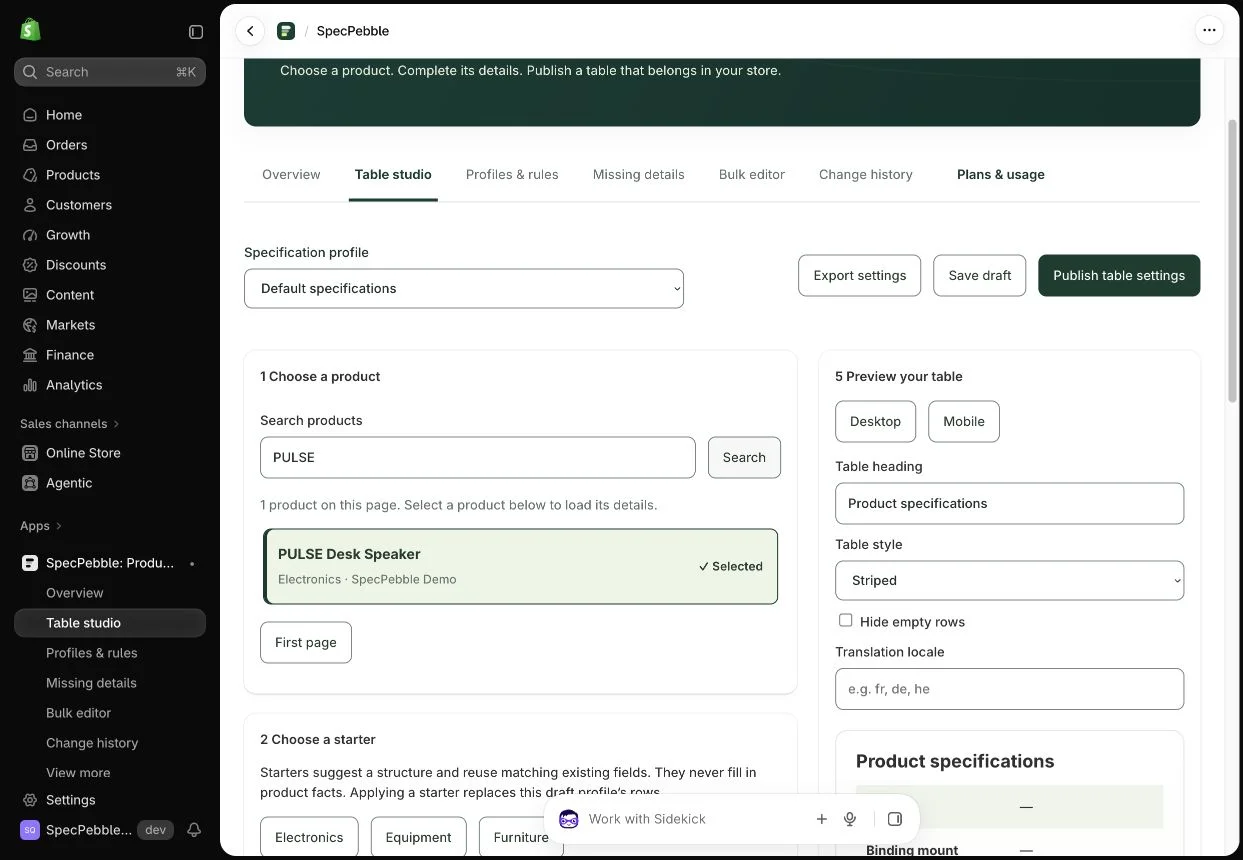
Use native Shopify variants when each color and size combination needs its own price, SKU or inventory. In SpecPebble, create or load those combinations in Product studio, then choose how each option appears on your product page.
Start with the combinations you actually sell
For a shirt in Black and White with S, M and L sizes, the complete matrix contains six combinations. Review the matrix before creating variants and exclude proposed new combinations you do not offer. Existing variants are preserved. A television can have a single Screen size option; a scarf can have Color alone.
- Open Product studio, search for the product and select it from the visible results. Existing options and variants load with it.
- Enable product editing if requested. Add your option names and values, then choose Preview combinations. When adding an option to an existing product, review the mapping of existing variants.
- Set prices, SKUs and images. To edit stock, enable inventory editing and choose the intended inventory location. New combinations start with zero stock unless you enter a quantity.
- Choose Review product changes. Check the new combinations, price changes and stock updates, then use the explicit save or create action.
Give each option the right control
Open the storefront design settings and choose a display for each option. Color can use labeled swatches while Size uses buttons or a dropdown. The display choice is independent for each option and is included in Free.
Saving the product changes does not publish the storefront design. Save your data first, then publish purchase settings. Add the Product choices app block in the theme editor and remove the duplicate native picker and buy buttons from that template. Keep the specifications block.
Check the purchase, not just the preview
On the published product page, select a color and size. Confirm the image, price and availability, add the item to the cart, and check the exact variant there. Also test an unavailable combination and a mobile screen. Mark the storefront confirmed only after this check.
If inventory changes after you review it, refresh and review again. Do not repeatedly submit an old stock value after a sale or another catalog update.
A few useful answers
Are these real variants or text attached to an order?
They are native Shopify variants. SpecPebble’s option controls select the actual variant added to the cart; they are not a personalization form that only adds line-item text.
Can color be swatches while size is a dropdown?
Yes. Set the display independently for each option. You can also use a single option without creating a second one.