
Check
Use your published required product specifications as the basis for the check.
SHOPIFY FLOW / ENTERPRISE
Turn specification checks into a step in your Shopify workflow. Find missing required product details and route the next action.
FROM A PRODUCT EVENT TO A USEFUL ANSWER
The Check product specifications action returns a missing-details count. Use a Flow condition to decide what should happen next in your own workflow.
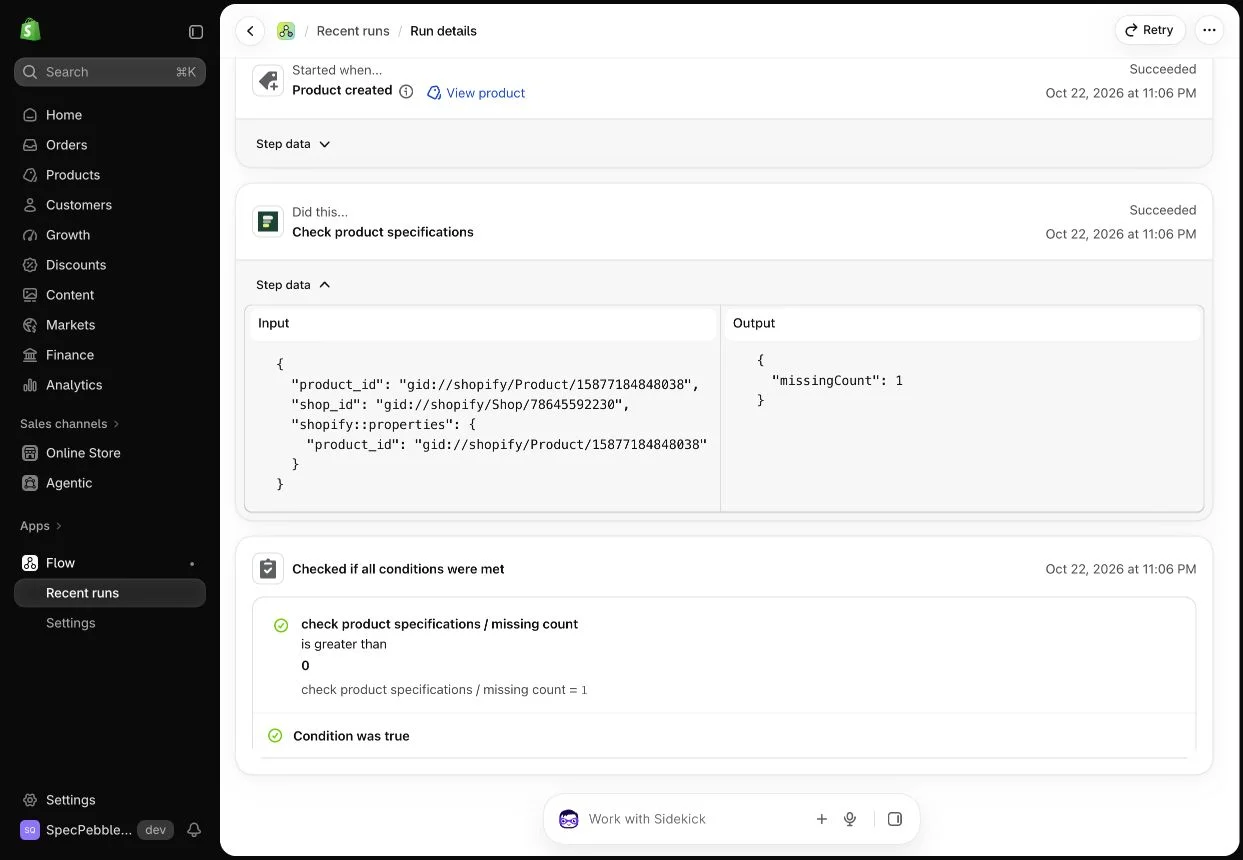
Use your published required product specifications as the basis for the check.
Route work based on the returned missing-details count.
The check reads product details. It does not invent or automatically fill specifications.
Flow checks require Enterprise, Shopify Flow and a published specification configuration. Checks with unsupported or incomplete coverage must not be treated as a complete catalog assessment.