
Choose
Use visual selectors for your native Shopify variants.
PAGEFLY / PRO + ENTERPRISE
Combine your PageFly product layout with SpecPebble’s visual choices and specification tables. A considered page, from the first click to the product details.
DESIGN FREELY. EXPLAIN CLEARLY.
Add SpecPebble app blocks to your supported PageFly product template. Show specifications and product choices in the layout you’ve built.
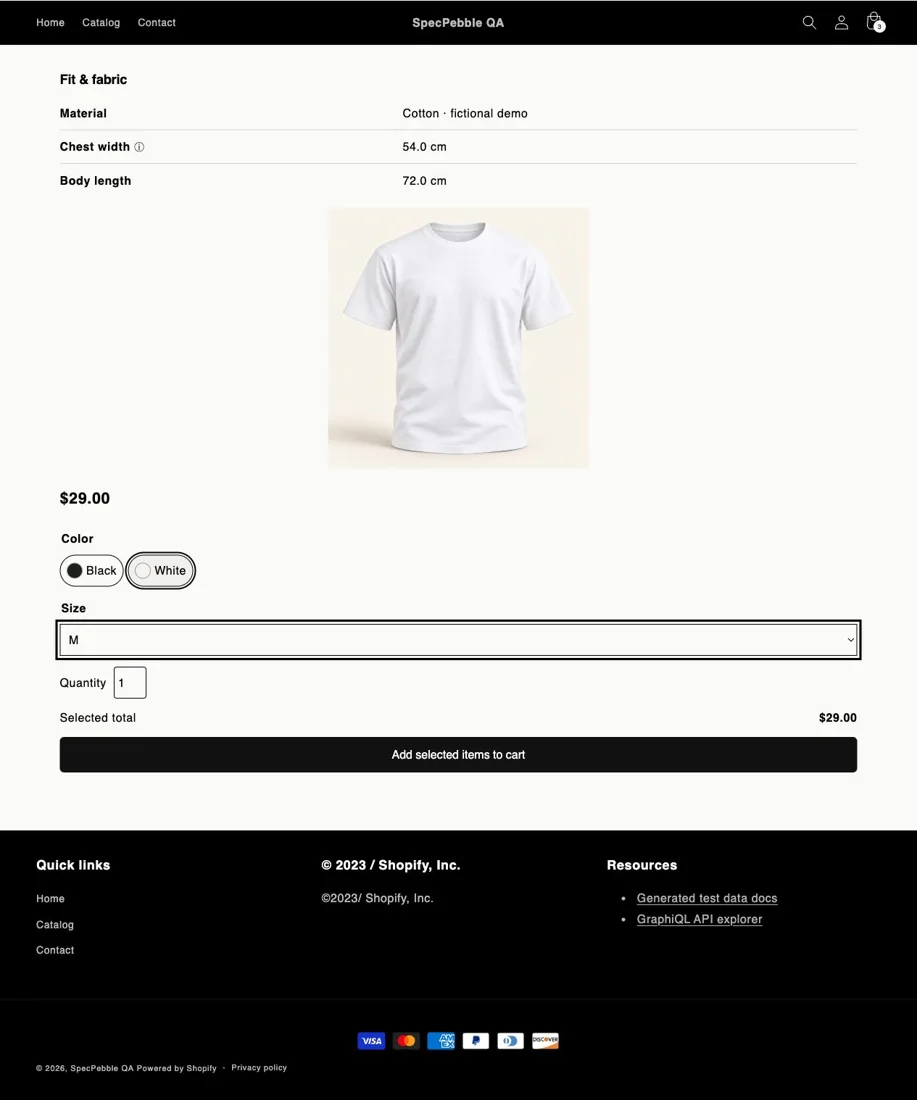
Use visual selectors for your native Shopify variants.
Show product and variant details alongside the choice.
Check that the published page adds the selected variant to the cart.
PageFly integration requires Pro or Enterprise and a compatible PageFly product template with app blocks. Configure duplicate product selectors and purchase buttons carefully, then test your published page.